If you report rental income on a form Schedule E, you already know the IRS wants your numbers broken out by category and by property. The Schedule E form is the main IRS form used to report rental real estate income and expenses on your personal return, and clean detail makes preparation easier and cuts down on follow-ups.
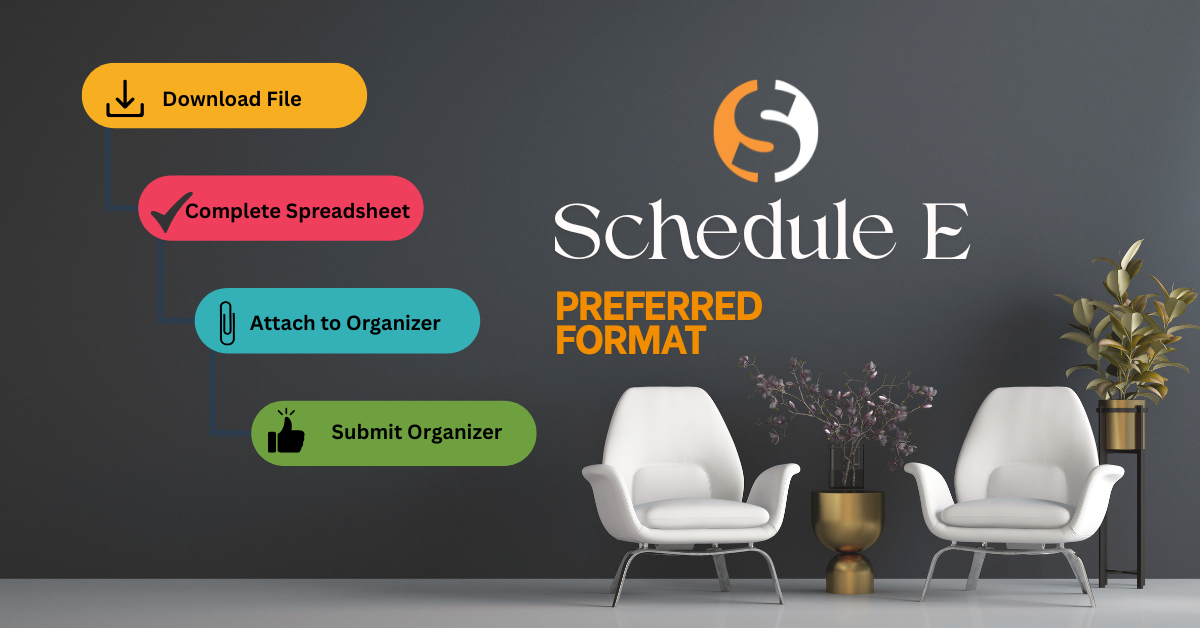
To make this more simple for you (and cleaner for us), we have created a simple Excel worksheet you can download, fill out, and upload through your Senter CPA portal as part of your organizer.
How the worksheet helps:
- Gives you one place to report all Schedule E rental income and expense information
- Matches the main categories on Schedule E so we can easily reconcile the information when preparing your return
- Cuts down on back-and-forth emails regarding missing items
What you will enter:
- Rents received by property address/location
- Common expense categories (for example: advertising, cleaning and maintenance, commissions, insurance, legal and professional fees, management fees, mortgage interest, repairs, supplies, taxes, utilities, depreciation, and others)
- Notes for big items like new appliances, remodels, or improvements (often handled differently than repairs)
How to use it:
- Download the Schedule E Rental Excel worksheet from this post.
- Fill it out as completely as you can based on your records.
- Log in to your Senter CPA portal.
- Upload the finished file under your 1040 organizer in the document upload area for rental income.
Please do not email it. Uploading through the portal keeps everything together with the rest of your tax documents.
What if I already use property management software or my own spreadsheet?
If you already track rentals in:
- Property management software, QuickBooks, Xero, Wave, or another system, or
- Your own spreadsheet that clearly shows income and expenses by category and by property address/location
You can upload those reports instead of using our worksheet. For example, a year-to-date Profit & Loss, access to your QuickBooks file plus any supporting detail is fine.
Senter, CPA Accounting Client?
If Senter, CPA already handles your rental bookkeeping or monthly reporting, you do NOT need to complete this Excel sheet. We will use the records we maintain for you.
Want to see the actual Schedule E form?
If you are curious how these ties to the tax form, you can look at:
- The DRAFT 2025 Schedule E (Form 1040) the IRS has posted HERE – This is for reference only and may change before filing season.
- The IRS page for Schedule E (Form 1040) can be found HERE – This page will always include links to the current form and instructions.
Download Below: